Introduction:
Automation testing is an important component of the CI/CD workflow. It aids in ensuring that the software generated meets the requirements while also lowering the cost and time associated with manual testing.
Automated testing is critical for enhancing the quality of software products, which eventually leads to increased customer satisfaction. Automation testing is the use of software tools to simulate user interactions with applications or websites.
Any changes made to the source code can be verified using automated tests. These tests run automatically whenever a change is merged into source control, sometimes even without the need for human intervention.
What is a CI/CD pipeline?
-
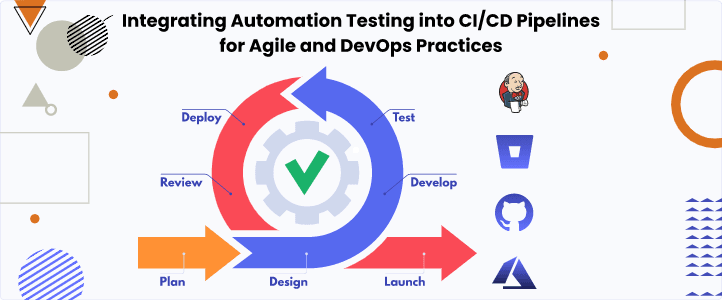
A pipeline is a method that guides software development through the steps of developing, testing, and delivering code, often known as CI/CD. Automating the process to reduce human error and ensure consistency in how software is released. Compiling code, unit testing, code analysis, security, and binary production are all possible pipeline tools. This pipeline would additionally comprise packaging the code as a container image enabling hybrid cloud deployment in containerised environments.
-
CI/CD is the foundation of a DevOps process, bringing together developers and IT operations teams to release software. As custom apps become increasingly important in differentiating businesses, the rate at which code can be published has become a competitive differentiator.
Advantages and Disadvantages of CI/CD Pipelines
Pros
- Integrate and build in parts
- Isolate impact and Better code quality
- Easier monitoring of change in the operational environment
- Strengthen feature quality
- Streamline development efforts and Scalability
Cons
- Complexity to setup and maintain
- Implementing CI/CD pipelines can incur costs related to tooling and infrastructure
- CI/CD pipelines rely on various dependencies such as libraries, frameworks, and third-party services.
- CI/CD pipelines can introduce security risks, especially if not properly configured and managed.
- Resistance to Change
Objectives of Integrating Automation into CI/CD Pipelines:
-
The continuous integration and delivery (CI/CD) pipeline aims to facilitate teams in releasing software updates continuously into production, thereby reducing development risks, costs, and release cycles.
-
Early Detection of Issues: Early in the development cycle, developers may fix defects and other flaws in the codebase due to automated tests' quick identification of issues.
-
Faster Feedback Loop: Automated tests enable developers to iterate and improve code more effectively by giving them quick feedback on the quality of the changes.
-
Consistent and Reliable Testing: By ensuring that tests are carried out consistently, automation lowers the possibility of human error and produces accurate results.
-
Increased Test Coverage: Overall test coverage can be increased by using automated tests to cover a wider range of scenarios, such as regression testing and edge cases.
-
Time Efficiency: Automation speeds up software delivery by reducing the time and effort needed for manual testing.
-
Supports Continuous Deployment: Continuous deployment requires automation testing because it gives developers confidence in code changes before they are put into production.
-
Facilitates Agile Practices: By facilitating rapid feedback, continuous integration, and quicker delivery cycles, automation testing aligns with agile methodologies.
-
Improved Collaboration: Development process efficiency is increased when developers, testers, and other stakeholders collaborate through automation testing.
Pain Points
-
Complexity of Test Automation: It can be difficult to develop and maintain automated testing, particularly for large, intricate applications. Because test automation calls for certain knowledge and equipment, it might complicate the development process.
-
Flakiness of Tests: Automated testing is sometimes flaky, which means that the code or application being tested doesn't change but the tests fail periodically. Flaky tests can be difficult to debug and cause test findings to be less reliable.
-
Test Data Management: Testing requires specialized data sets or settings, which can make managing test data difficult. Automated testing may make it more difficult to maintain test data consistency and ensure data privacy and security.
-
Integration with External Dependencies: Applications frequently rely on external dependencies, including third-party services, databases, or APIs. It can be difficult to test these dependencies because they might not always be available or might change without notification.
-
Long Running Tests: Certain automated tests can take a long time, particularly end-to-end tests that involve the deployment and testing of the application in a Setting similar to production. Long-running tests might affect development velocity and slow down the CI/CD pipeline.
-
Infrastructure and Tooling: It can be difficult to set up and manage the infrastructure and tooling for automated testing. This involves integrating with CI/CD pipelines, managing test environments, and making sure that various platforms and technologies are compatible.
Interests in Integrating Automation Testing into CI/CD Pipelines
-
Faster Time to Market: Faster issue detection and resolution through automation testing facilitates the release of new features and software updates more quickly.
-
Consistent and Reliable Testing: Automation makes sure that tests are run consistently, which lowers the possibility of human error and yields accurate test results.
-
Supports Continuous Integration and Deployment: Continuous integration and deployment depend on automation testing since it gives programmers confidence in code changes before they are released into production.
-
Scalability: Large and complicated applications can benefit from automation testing's scalability, which keeps testing efficient as the application expands.
FireFlink Benefits
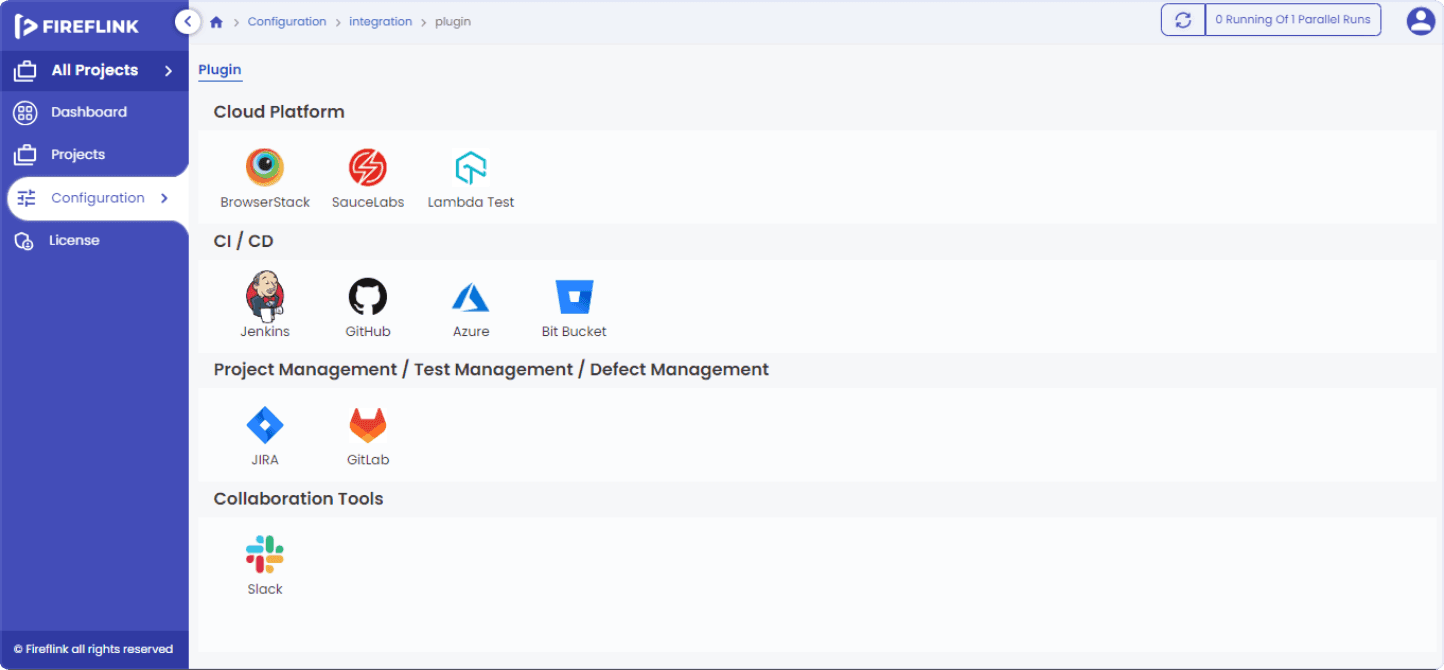
- FireFlink Platform integrates with the popular CI/CD Pipelines such as Jenkins, GitHub, Azure and Bit Bucket.
- By using our platform all the suite executions will be triggered automatically after each build to identify all the bugs in the earlier stage before deploying into the production.
-
Jenkins: In Automation testing, Jenkins provides plugins for various test frameworks. These can be integrated into CI Pipelines to run automated tests for every build and summarize the test result and display it on an HTML page.
-
The FireFlink allows you to download the HPI file of Jenkins where all the suites of the project will be automatically reflected. After each build the Suites will trigger automatically and display the results.
-
GitHub: In Fireflink the user needs to create an instance to integrate with GitHub. So once after creating the instance automatically, the suites will be triggered after the release of each build.
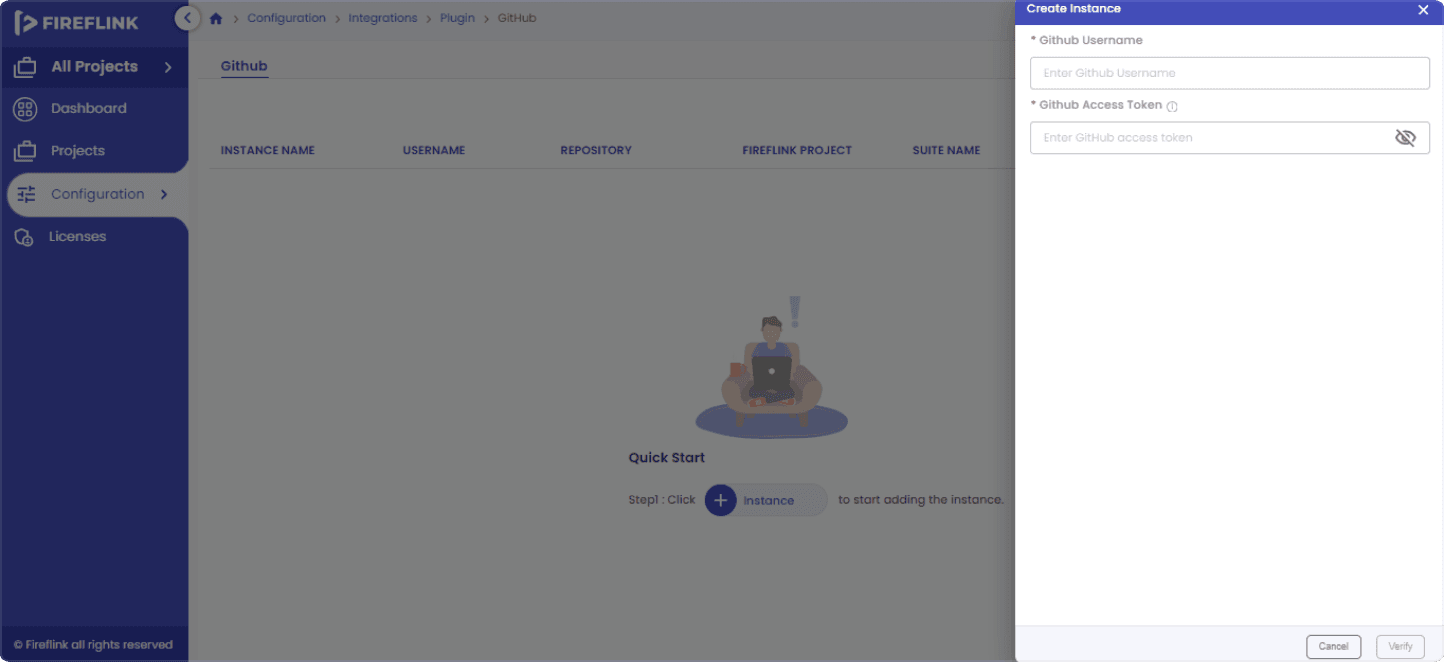
- In Fireflink the user needs to create an instance for all the integrations like GitHub, Azure and Bit Bucket. The user can run automated suites in any of the CI/CD Pipelines using the Fireflink platform and automatically the platform will generate the Execution Reports to analyse the results.
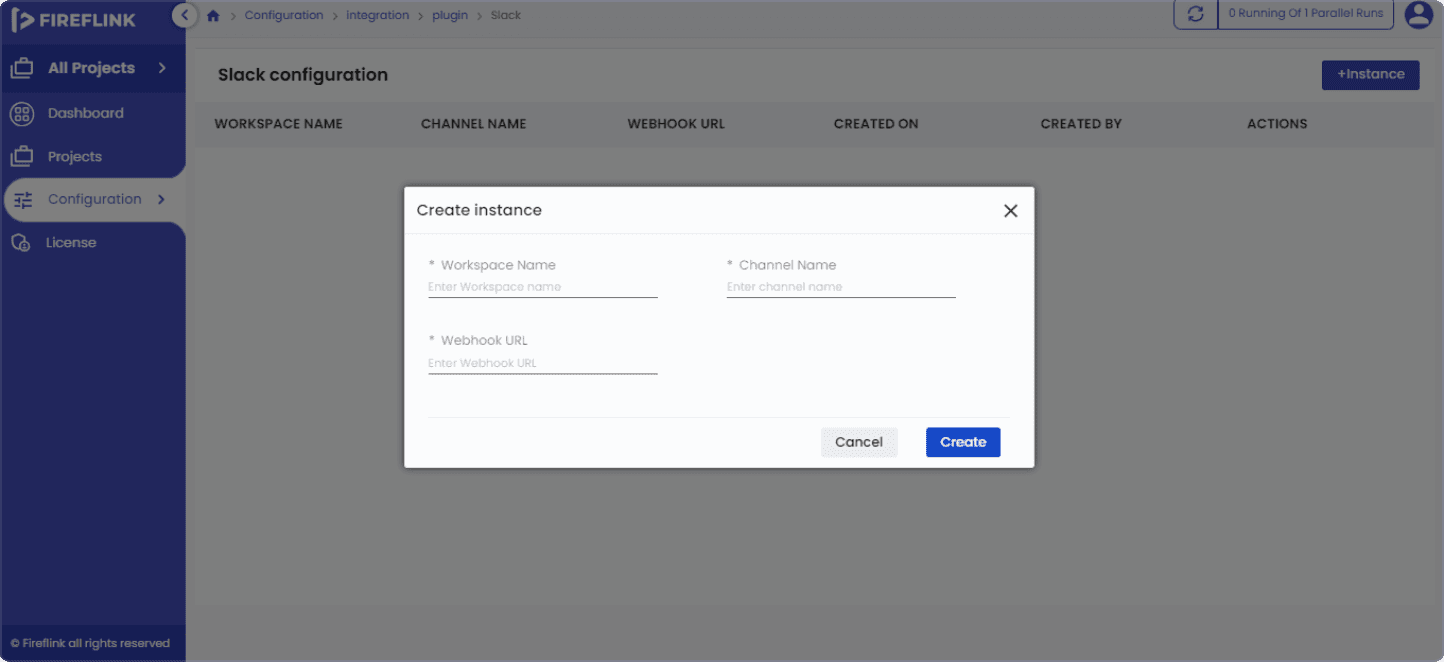
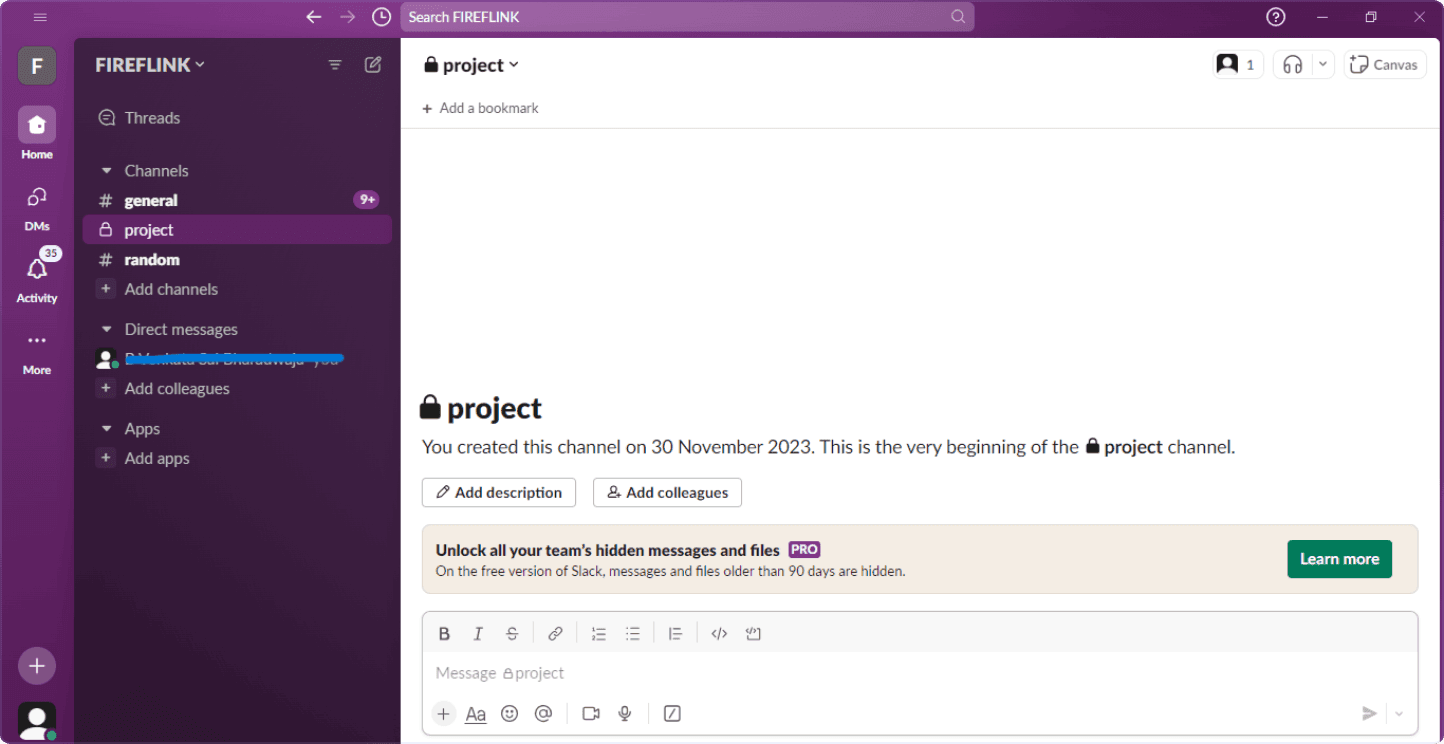
- After suite execution, the team members will receive notifications via Email or collaboration tools like Slack.
Conclusion
-
Using FireFlink best practices the user can easily integrate the projects to the CI/CD Pipelines by creating the instances and suites that will be triggered after each build release and identifying the bugs before deploying into the production.
-
By automating tests, teams can achieve faster time to market, maintain consistency and reliability, support continuous integration and deployment, and increase scalability.
-
Fireflink platform offers that interfaces effortlessly with major CI/CD platforms such as Jenkins, GitHub, Azure, and Bit Bucket, allowing teams to automate testing processes and find errors earlier in the development cycle.